Systems / Applications
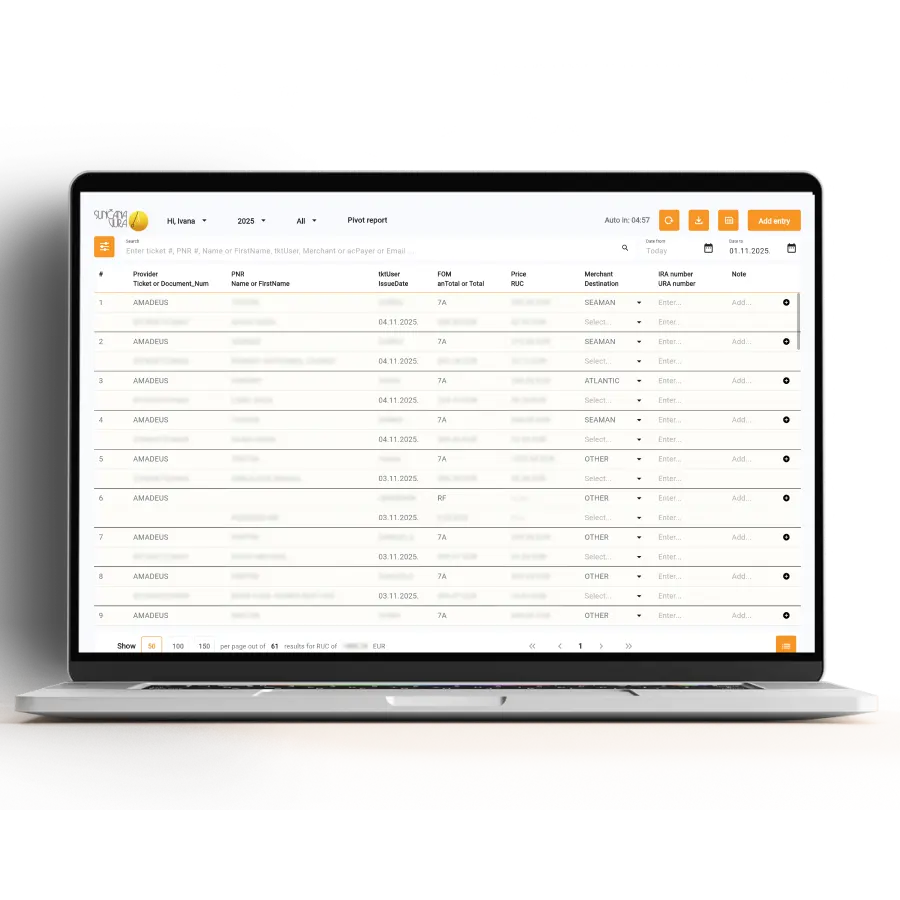
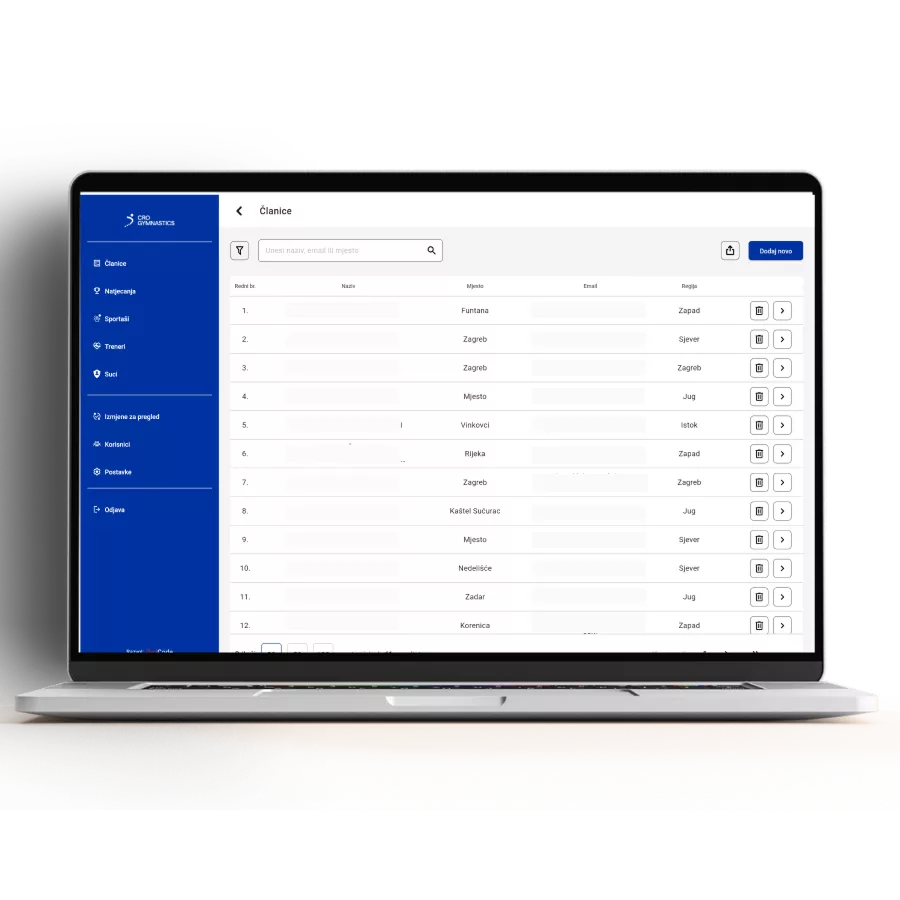
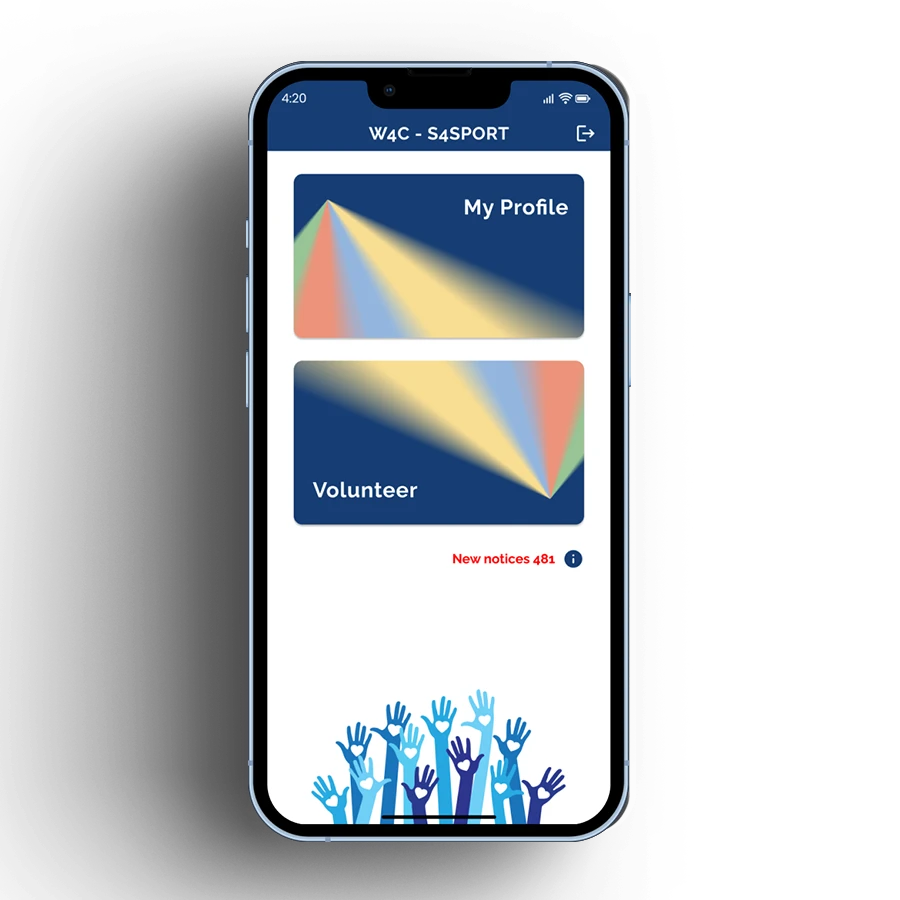
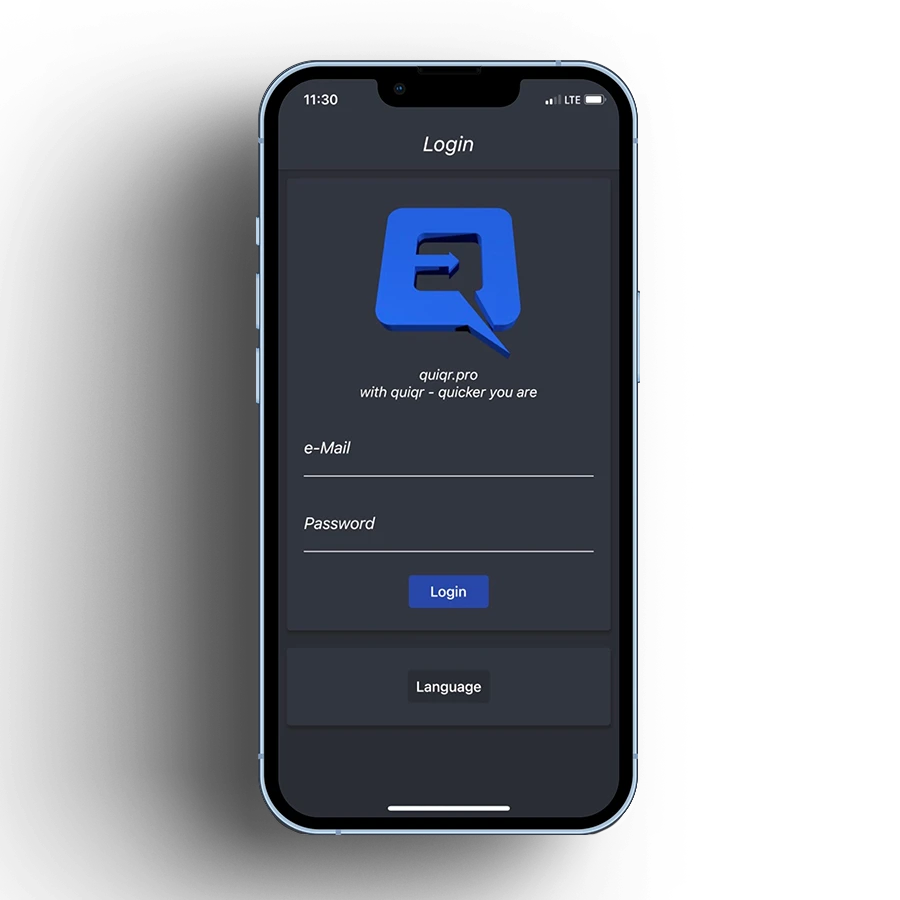
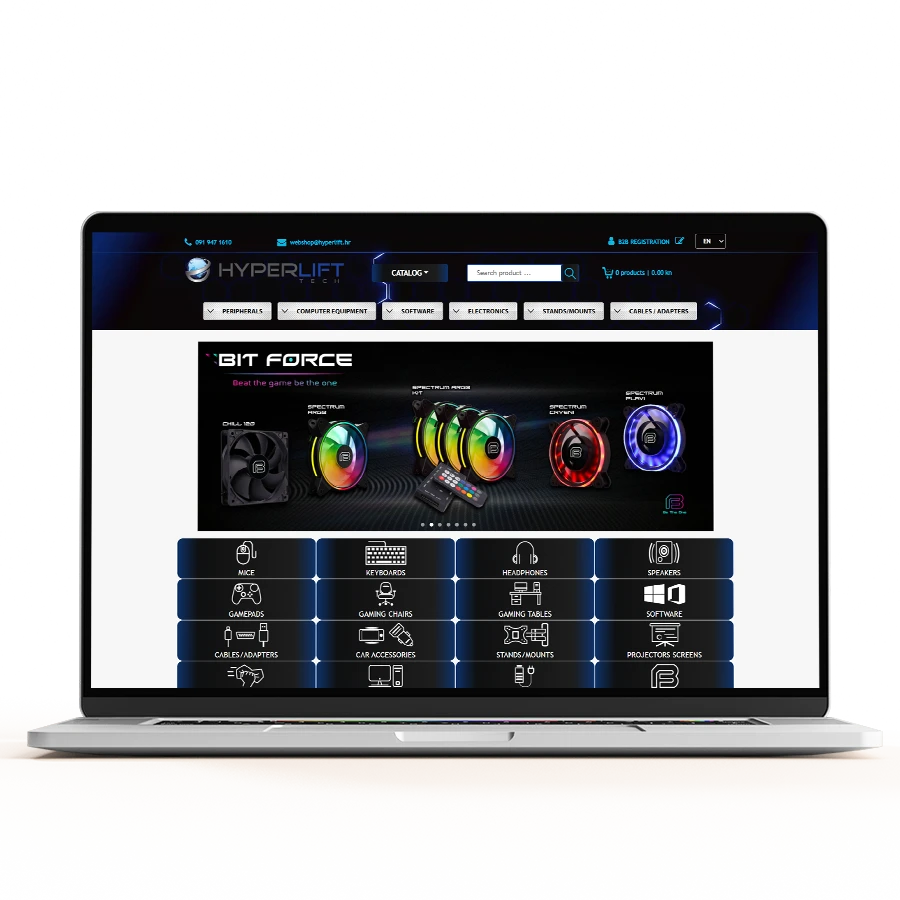
Unlike mobile applications, web applications are optimized for computer use, but are not limited solely to computer use like desktop applications.
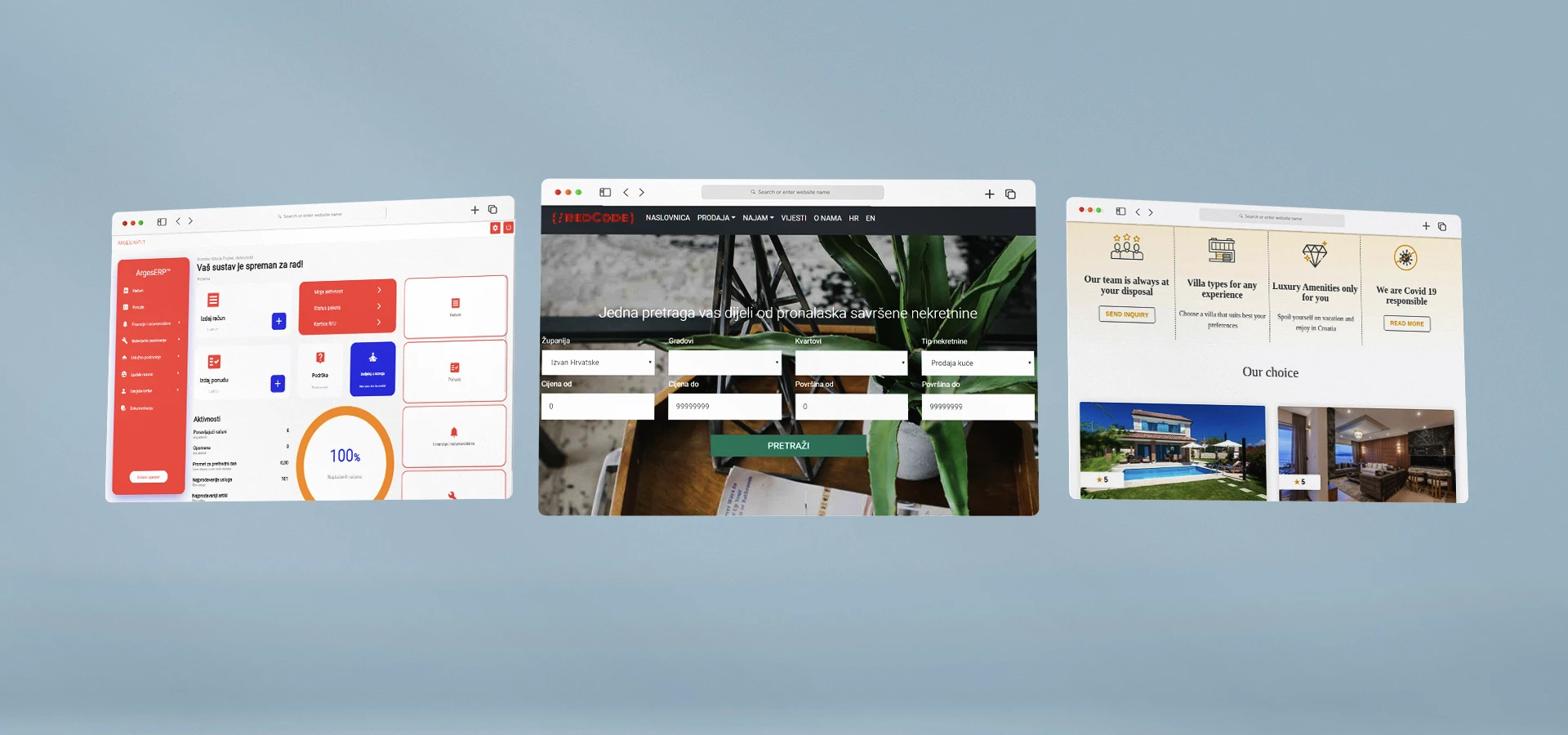
Why choose to develop a web application?
One of the main goals of every business system (company) is to reduce and optimize all costs and improve business processes in a way that minimizes the possibility of errors with as little time as possible spent on a specific operation.
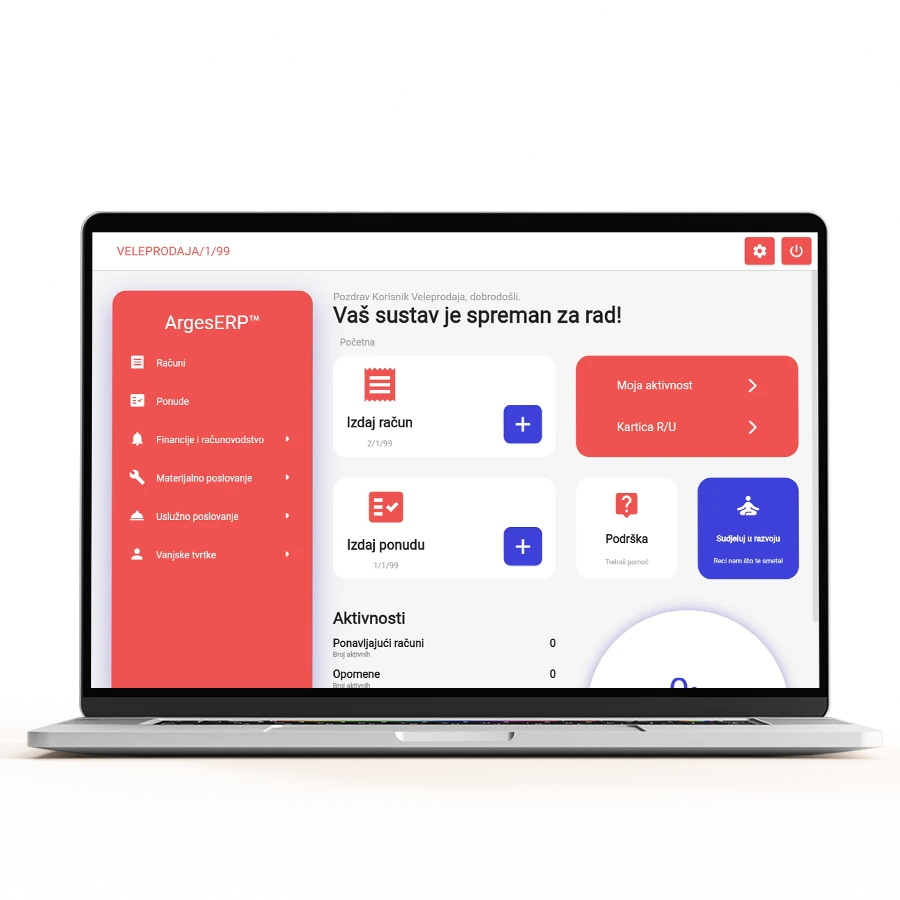
The most effective means of achieving such results is a web application. Business web applications reduce data processing time, securely store data, enable control and tracking of statistics for input and processed data, and automate data and document processing.
Unlike desktop applications, web applications do not require updates on each individual computer because everything needed is in the “cloud.” The way of working in the “cloud” guarantees data security (backup and protection by security protocols such as HTTPS). In addition, there is the possibility of accessing the system by one or more employees (operators) from any device connected to the internet. Likewise, simultaneous work of a larger number of employees (operators) within the web application is implied.
Creation of business applications
The most common web applications are business applications that are used to improve organization and work tasks within a company and to free employees from complicated work tasks.
By using statistics from the business application, you can identify your previous weaknesses in business and areas for improvement (process optimization), which will result in reducing high costs.
Among the business web applications, we can highlight those that contain modules for a specific segment of business within a company or organization such as sales, control, accounting, procurement, warehouse, maintenance, work and employee records, logistics, etc., which are almost always written in a “Custom” version specifically for that company (system) or its needs.
Other web applications or systems
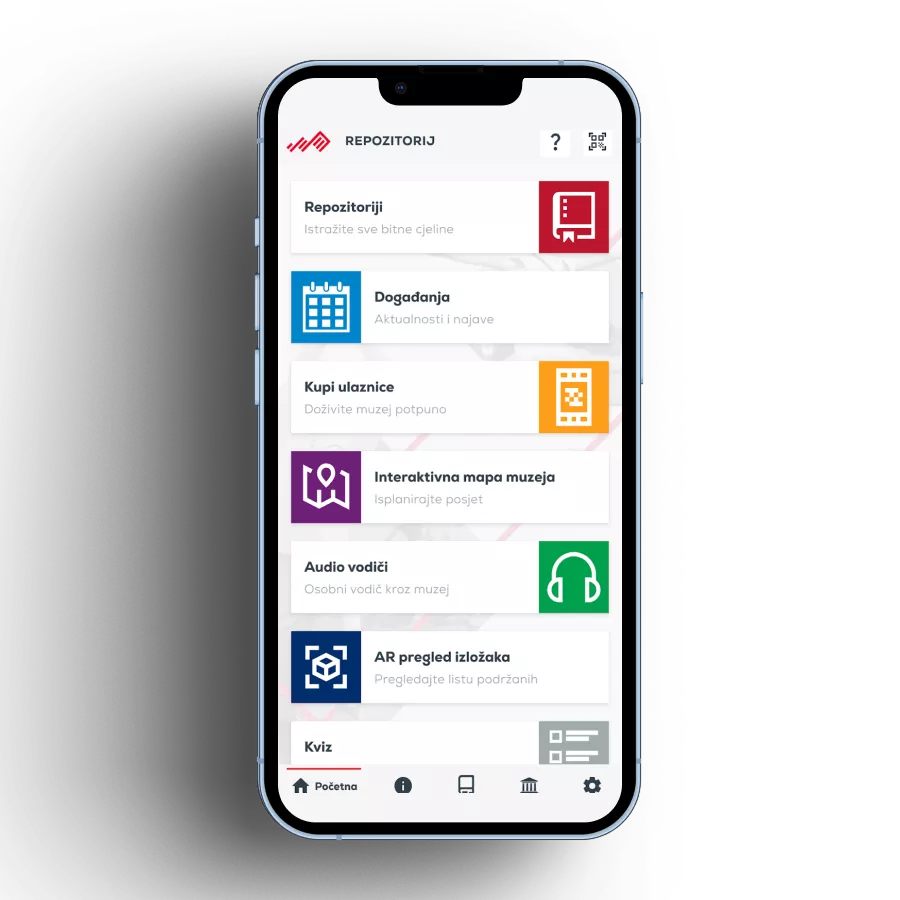
Web applications also include CMS (Content Management System) systems, which we use extensively in almost every project, whether it’s for managing web shops, mobile applications, or any system designed for end-users. At the beginning, the CMS is often unimportant to the client and hidden in the background, but through the launch of the primary digital product, the client quickly realizes the importance of the system for managing it.
The CMS system allows for user management, user access levels and roles, categories and subcategories (if they exist), management of objects such as products in a web shop or products and subscriptions within a mobile application, access and viewing of statistics, management of dynamic content, sales policies, discounts, promotions, new content in general, and more.
Check out our other special-purpose systems.
List of related services

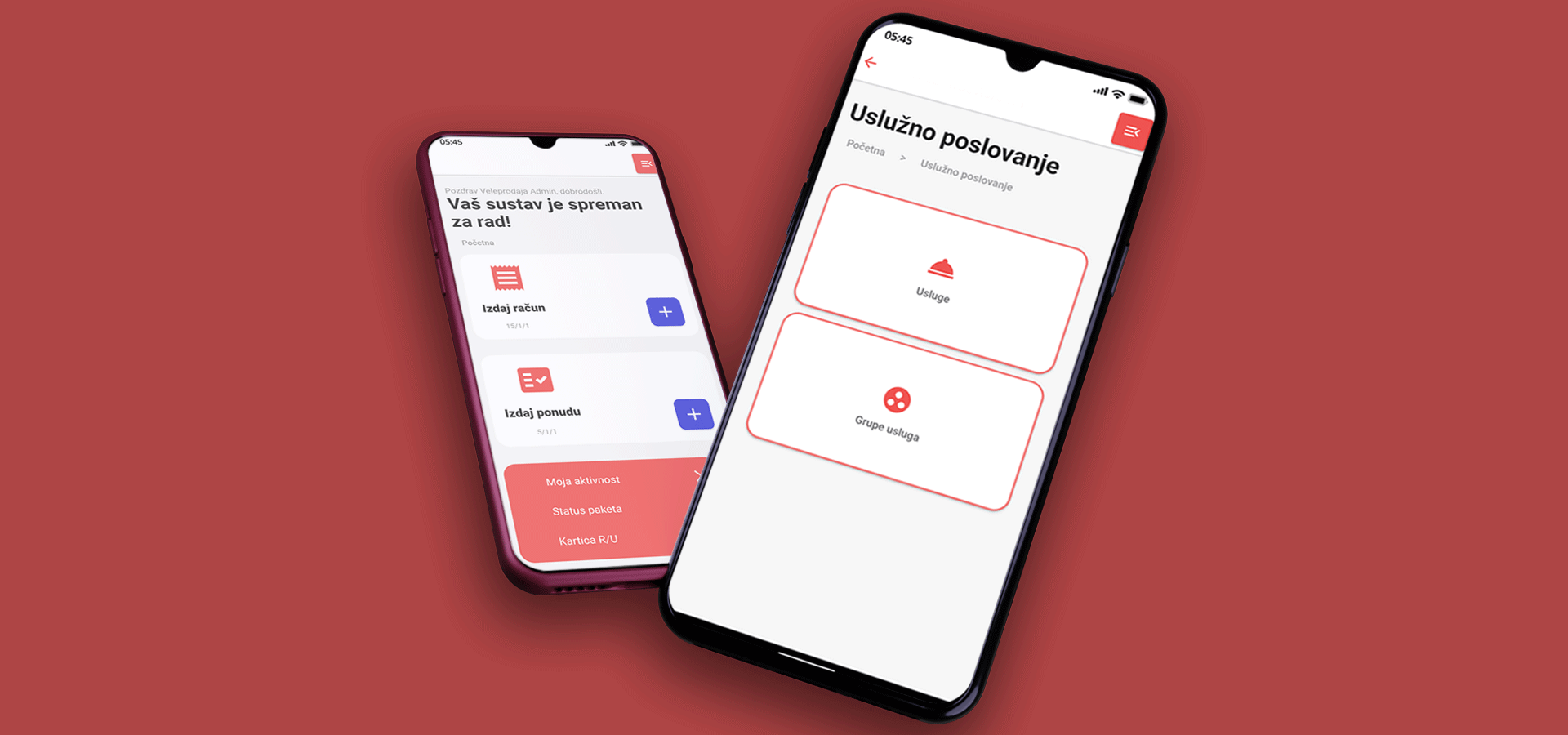
Fiscal cash register for service activities
The cash register is suitable for all types of service activities. Service activities by definition do not sell goods, but rather their services. Some of the service activities are law firms, hairdressers, taxi drivers, beauticians, auto mechanics, electricians, masons, carpenters, plasterers, installers of anything, accounting offices, plumbers, gas installers, freight and passenger transporters, and all other activities that do not require a warehouse for goods.
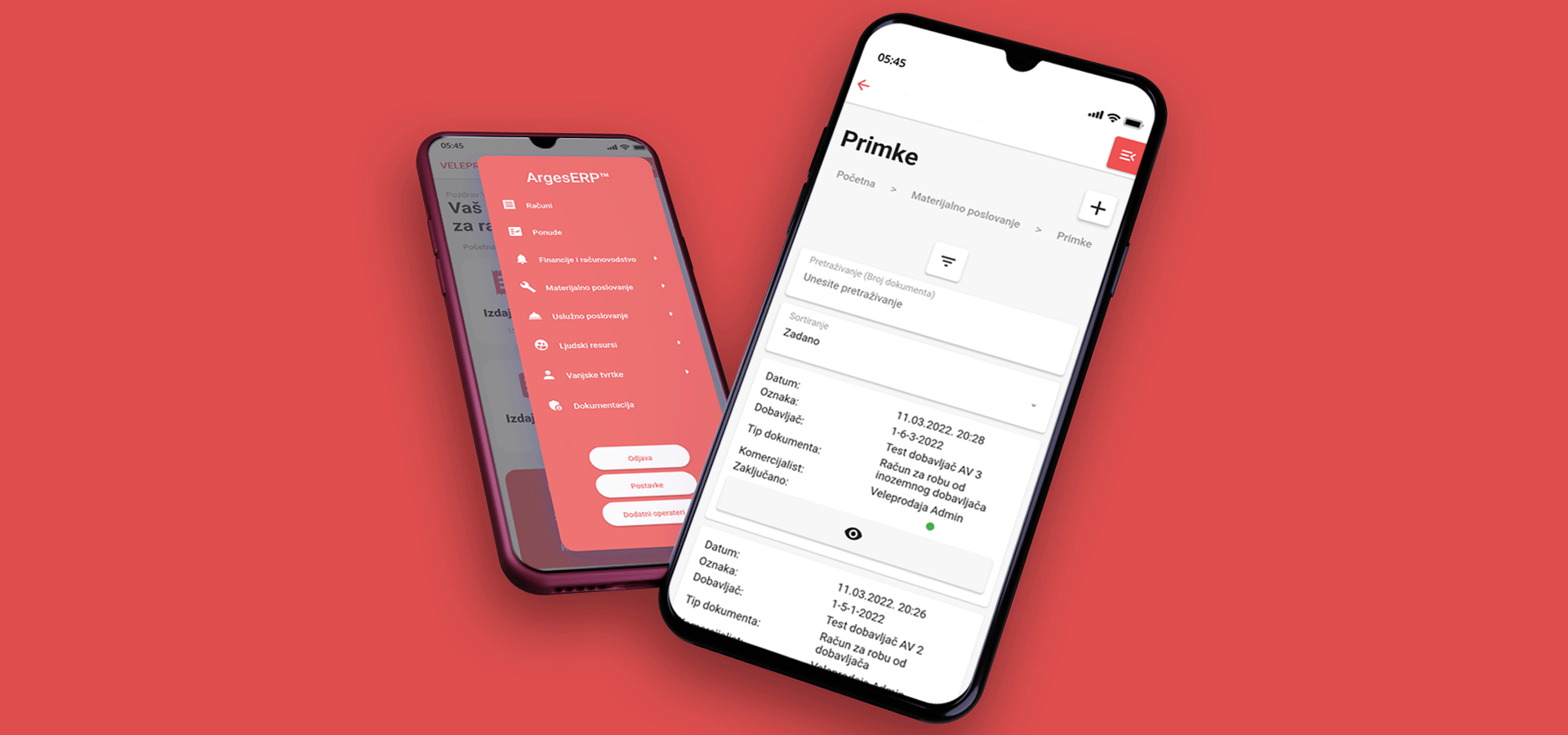
Fiscal cash register for retail
The retail cash register is suitable for all types of commercial operations as long as they do not require management of so-called Partners. The retail cash register supports everything that the service cash register does, but it is expanded to manage goods and inventory. It is possible to create and edit receipts, returns, dispatch notes, articles, as well as inventories. There are also declarations, price leveling, and actions by articles or groups of articles, as well as many other possibilities.
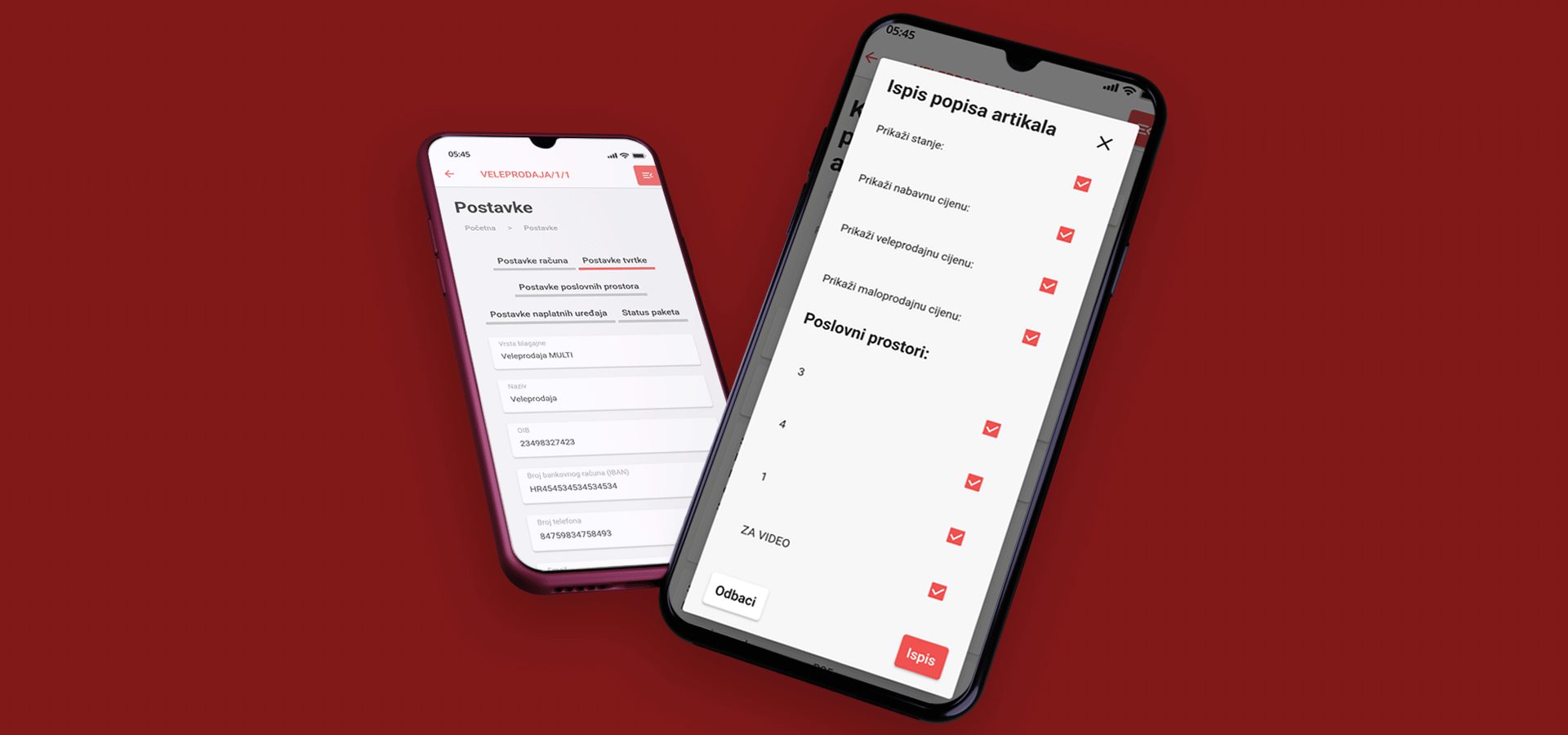
Fiscal cash register for wholesale
The wholesale cash register is a retail cash register expanded with the functionality of Partners and Reminders. For Partners, your regular customers, it is possible to create discounts for articles or services and for groups of articles or services at the level of the entire system or at the level of a specific Partner. In addition to managing Partners, there is also a very powerful tool for automated Reminders that the system sends automatically according to the rules that you define and manage.
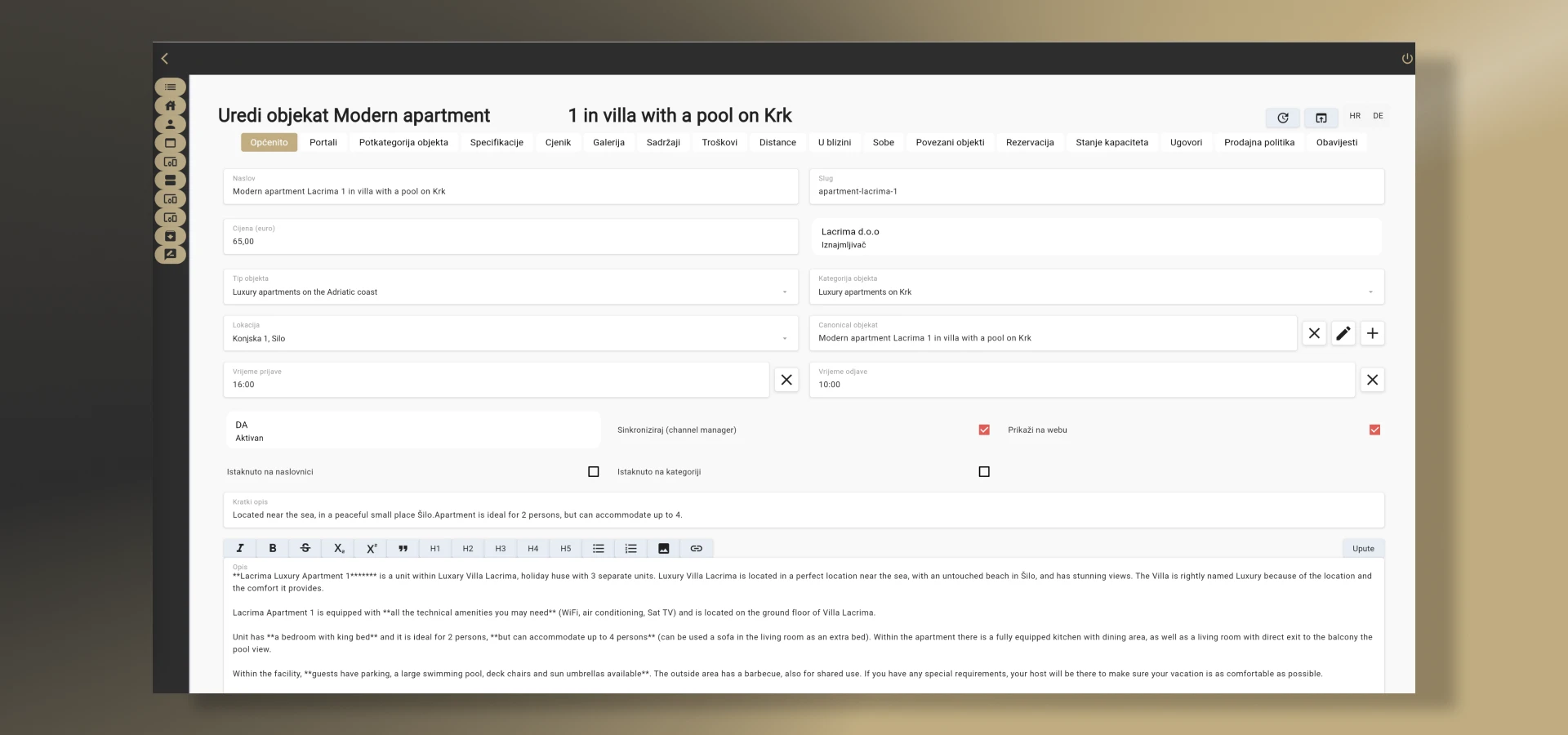
Accommodation rental system
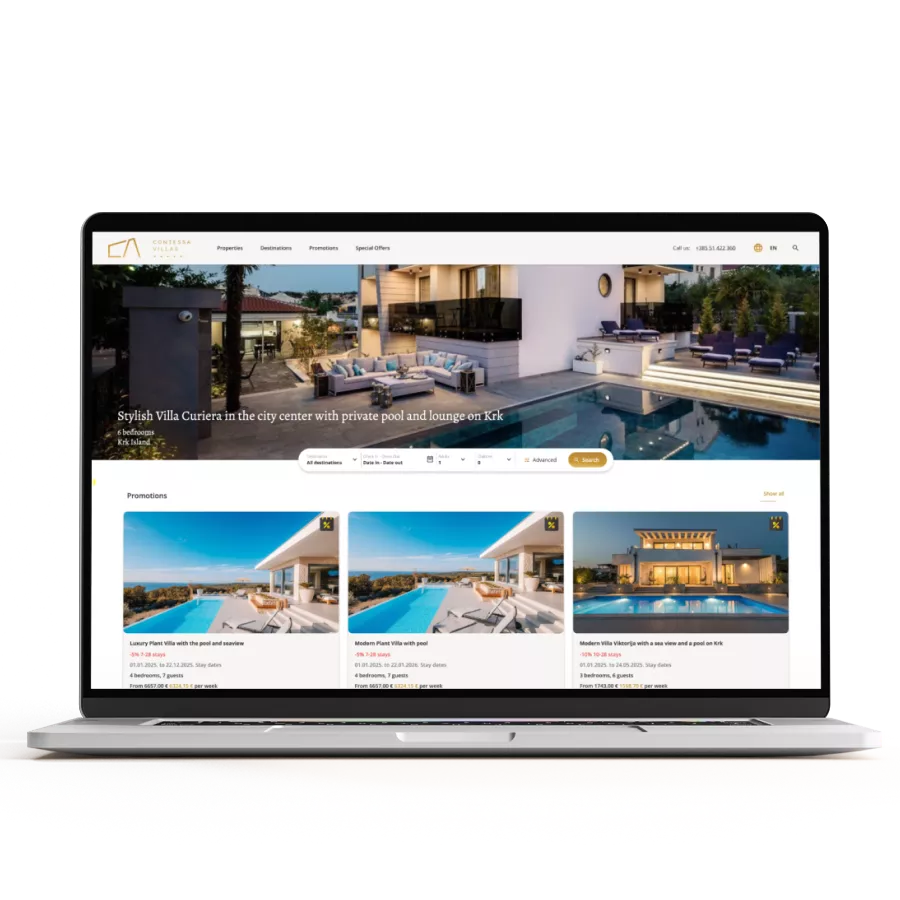
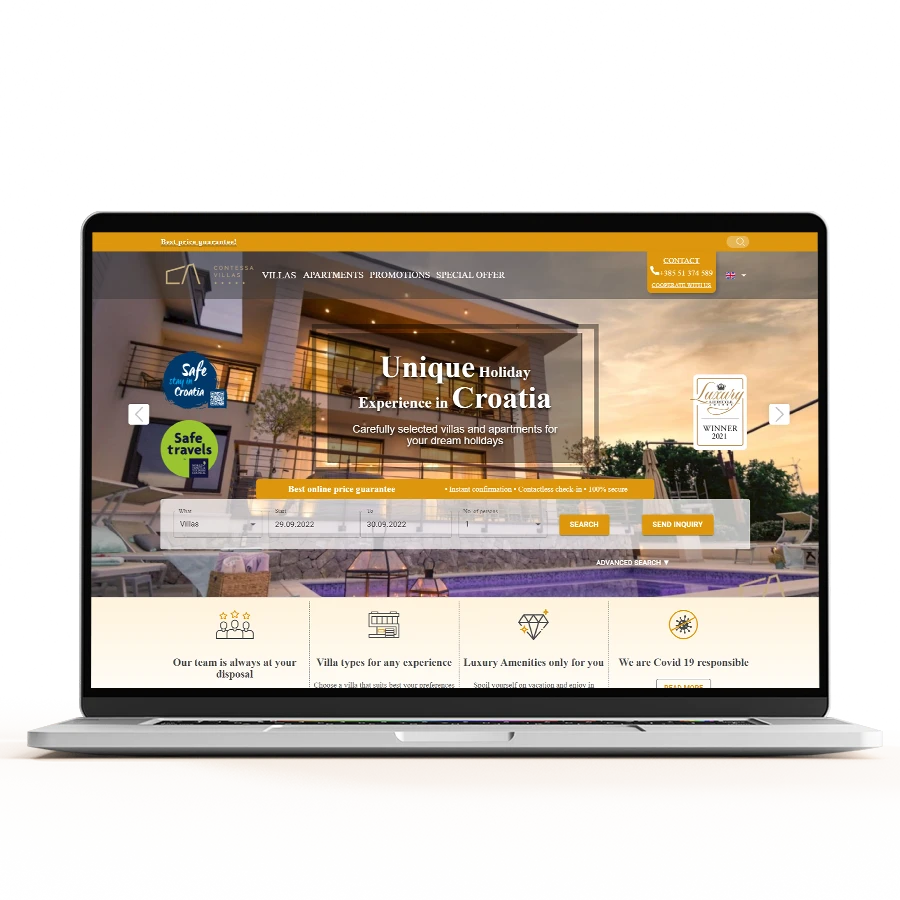
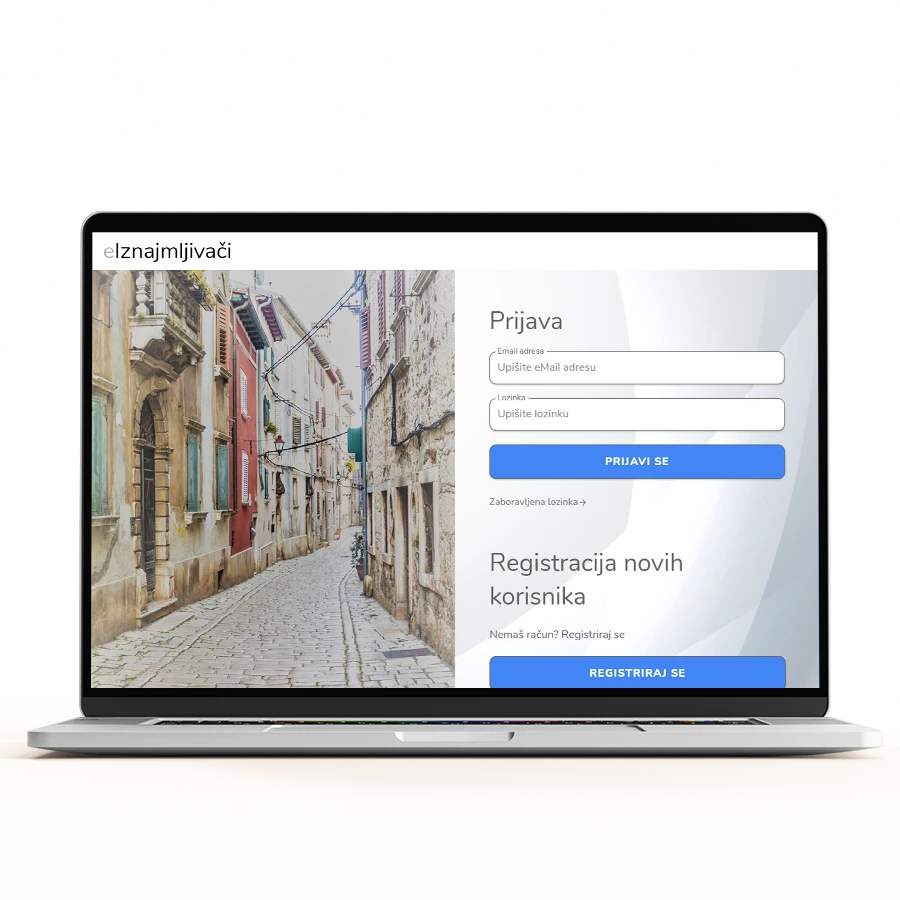
Unlike a website for advertising apartments, hotels or villas, the system provides more functionalities. It enables connections to external channels for managing reservations, guest check-in via eVisitor, management of guest accounts, calculation of reservations according to a special taxation procedure (PPO) for agencies as an option...
Our approach
Web application systems are the most common group of services we offer and can be found everywhere. They operate in the background and are never highlighted. The client is often unaware that they need a support system for their primary product. We rarely or almost never create web applications or systems as standalone products, and if we do, they are in a very specific domain of the client's business. The only approach to such projects is through hiring a digital systems architect as the first step.
1
Analysis
After receiving a request, we start analyzing the client's needs, gathering additional information if necessary, and trying to create a solution concept and choose technologies as well as a development roadmap that best fits the client's desires and budget. We create the so-called "best buy" option in which the client gets the most for their money. Getting the most for the least amount of money is also the ultimate goal of every analysis. Therefore, high-quality analysis is urgent because otherwise, it can damage the client or us or completely miss the idea and goal.
2
Offer
Making an offer is an important part of business that determines whether the job will be awarded to us or to the competition. Most of our offers are labeled as "business secrets" because the offer lists all the steps, components, and functionalities that a particular project requires. In order for the offer to contain exactly what the client wants and needs, it is important to thoroughly work through each step. The seriousness of the inquiry is also a factor that defines our seriousness regarding the approach to making the offer.
3
Design
Design is the client's first contact with the actual product. Through design, we define a fully functional prototype. Whether the project is completely basic or the most complex possible, we always try to visually present it before programming. The design defines even the smallest details and, importantly, makes corrections to elements, flowcharts, and functionalities. Design is the phase in which changes and corrections to the tiniest details are made. The design needs to be confirmed by the client before we proceed to programming. In design, there is a clause - the confirmed design reflects the final programming product.
4
Programming
Programming is what the client expects from the very beginning. Our programmers are truly top-notch and program at the highest level with the fulfillment of the previous conditions - that they are 100% defined what they need to program. Programmers will test every line of code and point out any illogicalities they have encountered. In this part, all previous steps will be revised, and if necessary, corrected and presented to the client with explanations. Assuming that all the steps that precede the programming of a mobile application or website or web application are well done, the result should be above average.
5
Beta phase
The beta phase involves a fully completed mobile application or website with all functionalities, primarily intended for testing and corrections before the final launch into production. The digital product in this phase should be fully functional in terms of static content, online payment and billing processes if applicable, creation of user accounts and subscriptions, and similar features. The application or website should be deployed to its final destination such as a server, domain, or the App Store for Apple and Play Store for Android, and connected to all external systems if they exist.
6
Testing (QA)
Quality testing of a mobile application or any other digital product is usually performed by the client and their team, but it is also possible to contract testing as a separate service from our side as a provider. We conduct tests through automated tests and manual tests. Automated tests will find functional bugs but will not detect issues that reduce the quality of the user experience - so-called UX. Professional testing is often considered an unnecessary cost, but it always turns out to have been necessary in the end.
Projects from the category